Wrong Yellow — Vanilla Backrooms Datapack
A downloadable mod
Minecraft has places it forgot to generate correctly.
.1
.2
CURRENT BUILD
Wrong Yellow v1.0.0-rc3 — The Missing Walls Update
RC3 adds giant splits, massive runtime-generated structures, the C-wall, player imitation, new survival systems, and a major performance-focused rebuild.
No mods.
No resource pack.
Minecraft Java 1.21.11.
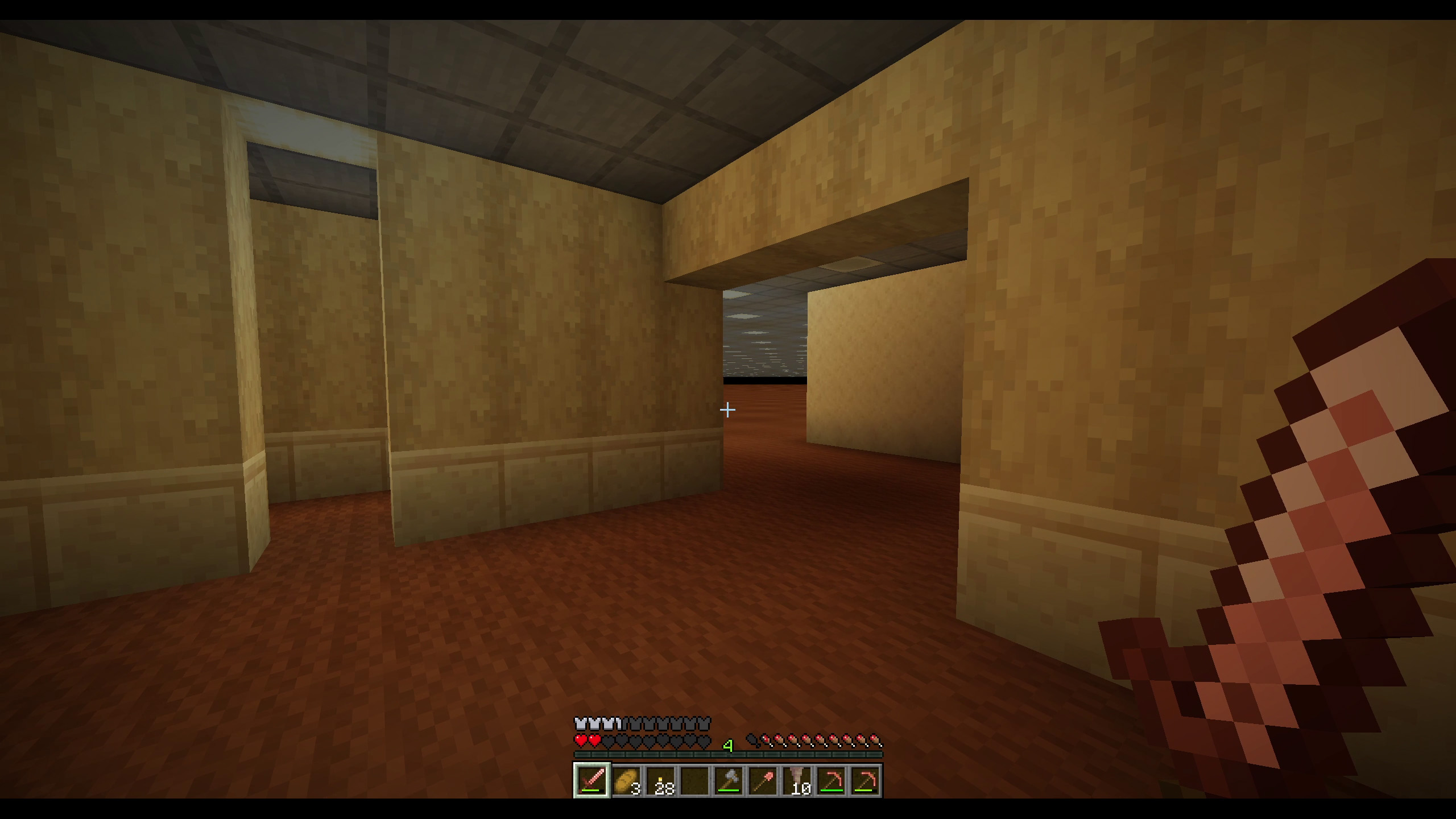
Wrong Yellow is a vanilla Minecraft Java datapack that adds a hidden liminal dimension inspired by the Backrooms — not as a copy, but as something Minecraft itself could have generated by mistake.
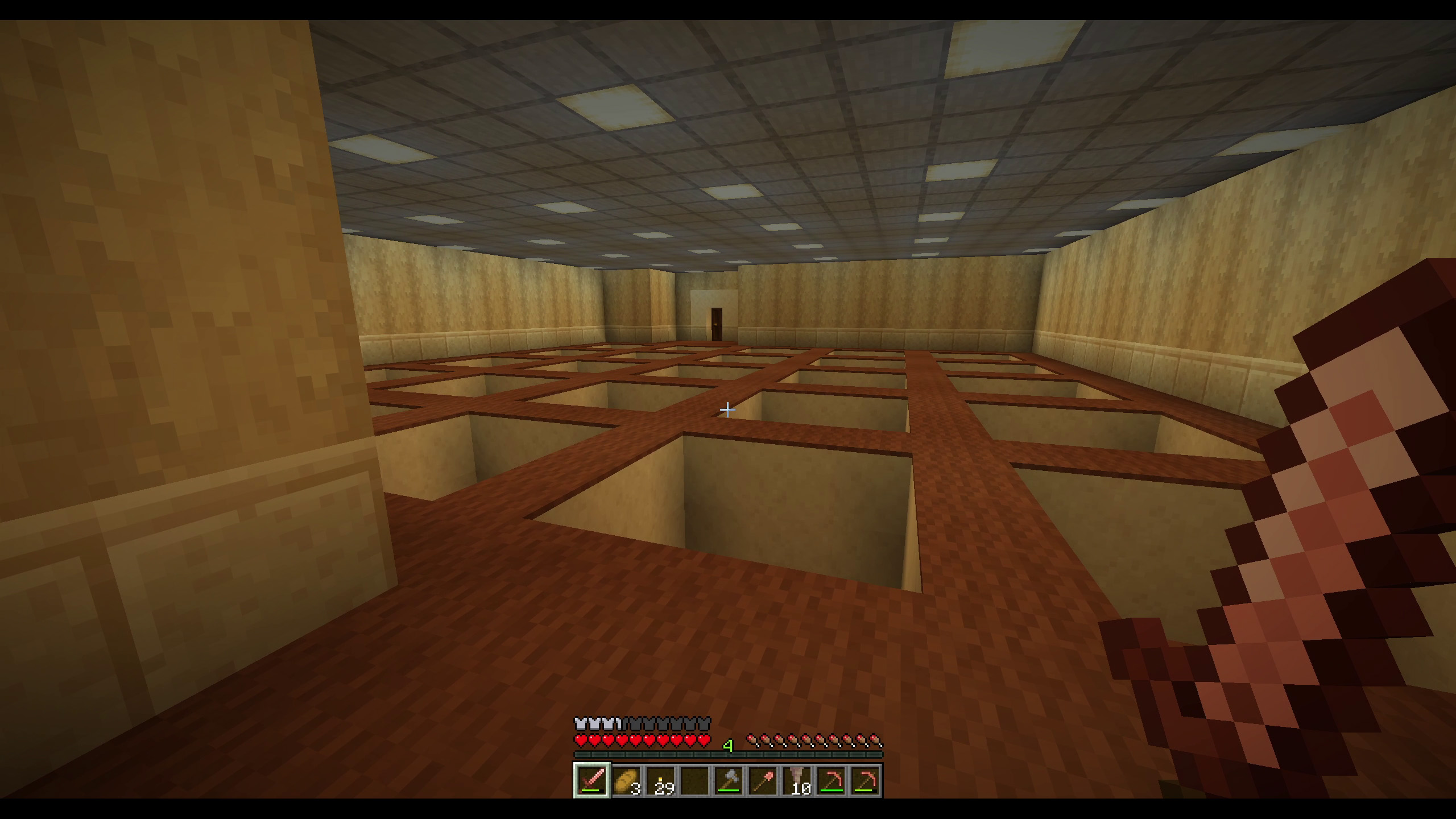
No mods. No resource pack. Just vanilla Minecraft, bent into a strange yellow place behind the walls of the world.
This page exists for people who want to support the project. The datapack is meant to be playable by everyone, and public releases will also be available on Modrinth.
If Wrong Yellow gives you that strange little liminal feeling, buying it here helps me keep developing future layers, performance improvements, experimental mechanics and devlogs.
Current status
This is the release candidate of Wrong Yellow.
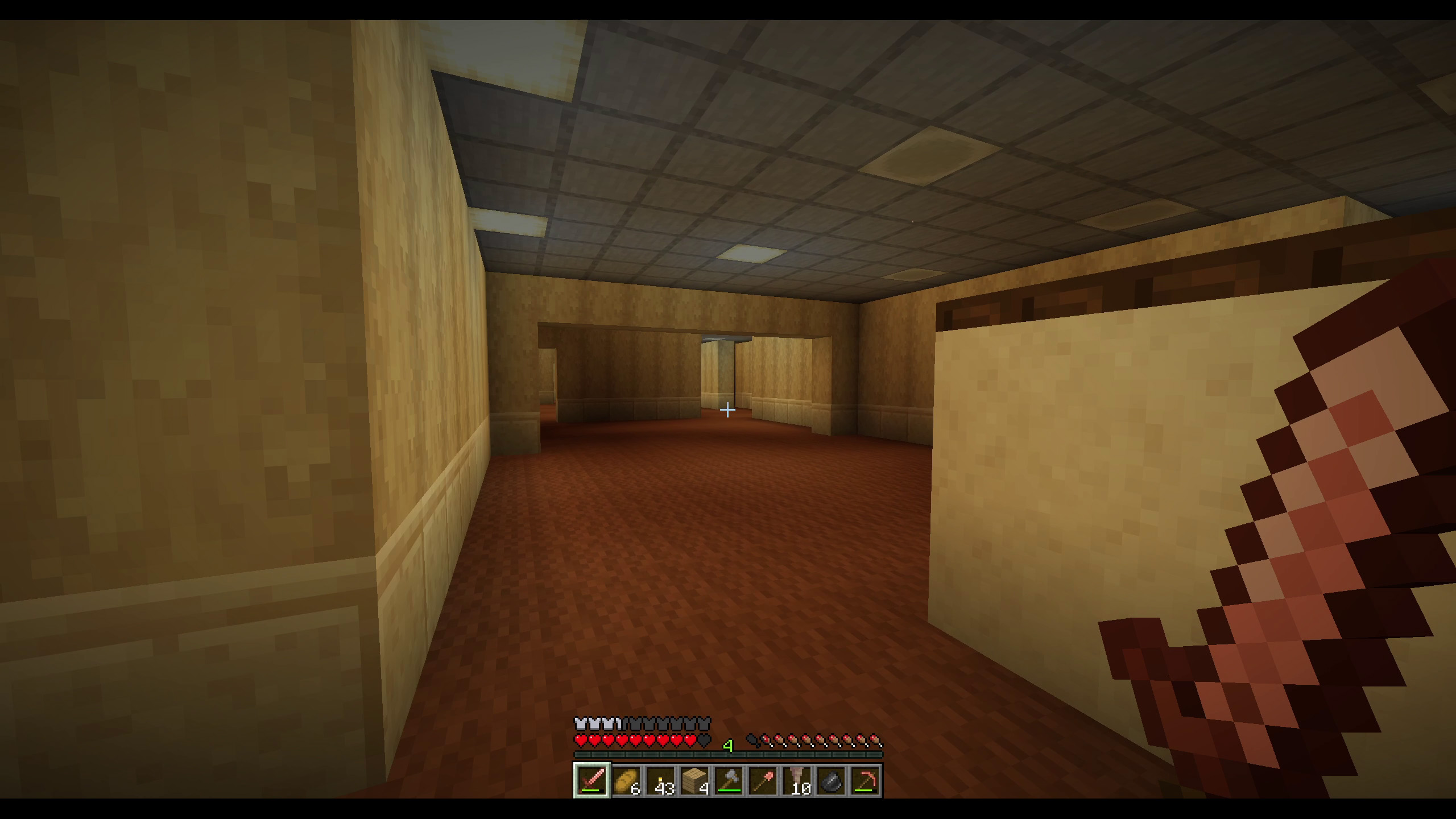
It is playable, but still needs public testing. Please consider it a near-v1.0 build: the core experience is here, but small fixes and performance adjustments may follow quickly.
Features
- A hidden vanilla Backrooms-inspired dimension
- Procedural jigsaw-based generation
- Survival-compatible exploration
- Overworld wall anomalies
- Dizzying transitions between worlds
- Roof escape system
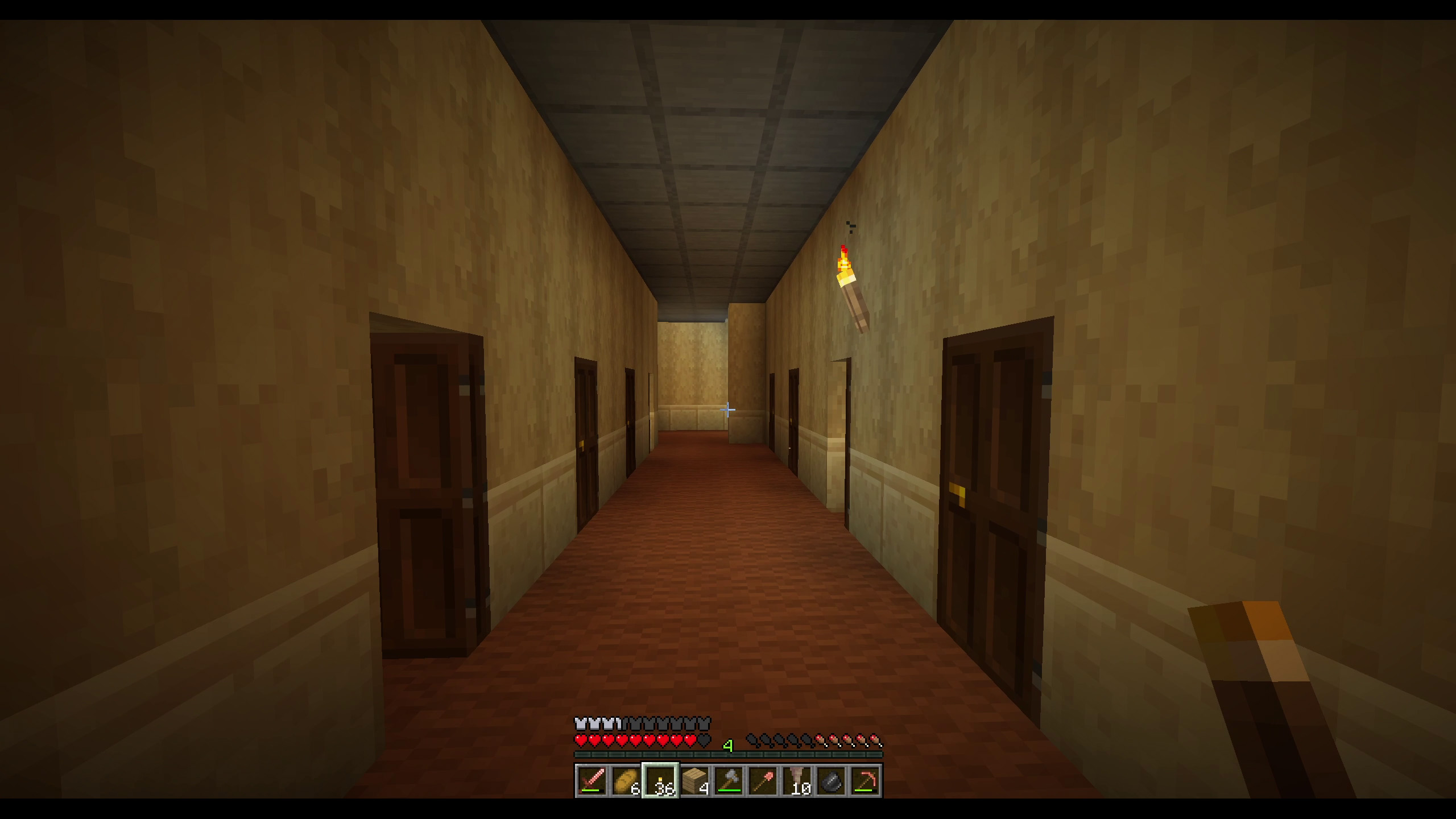
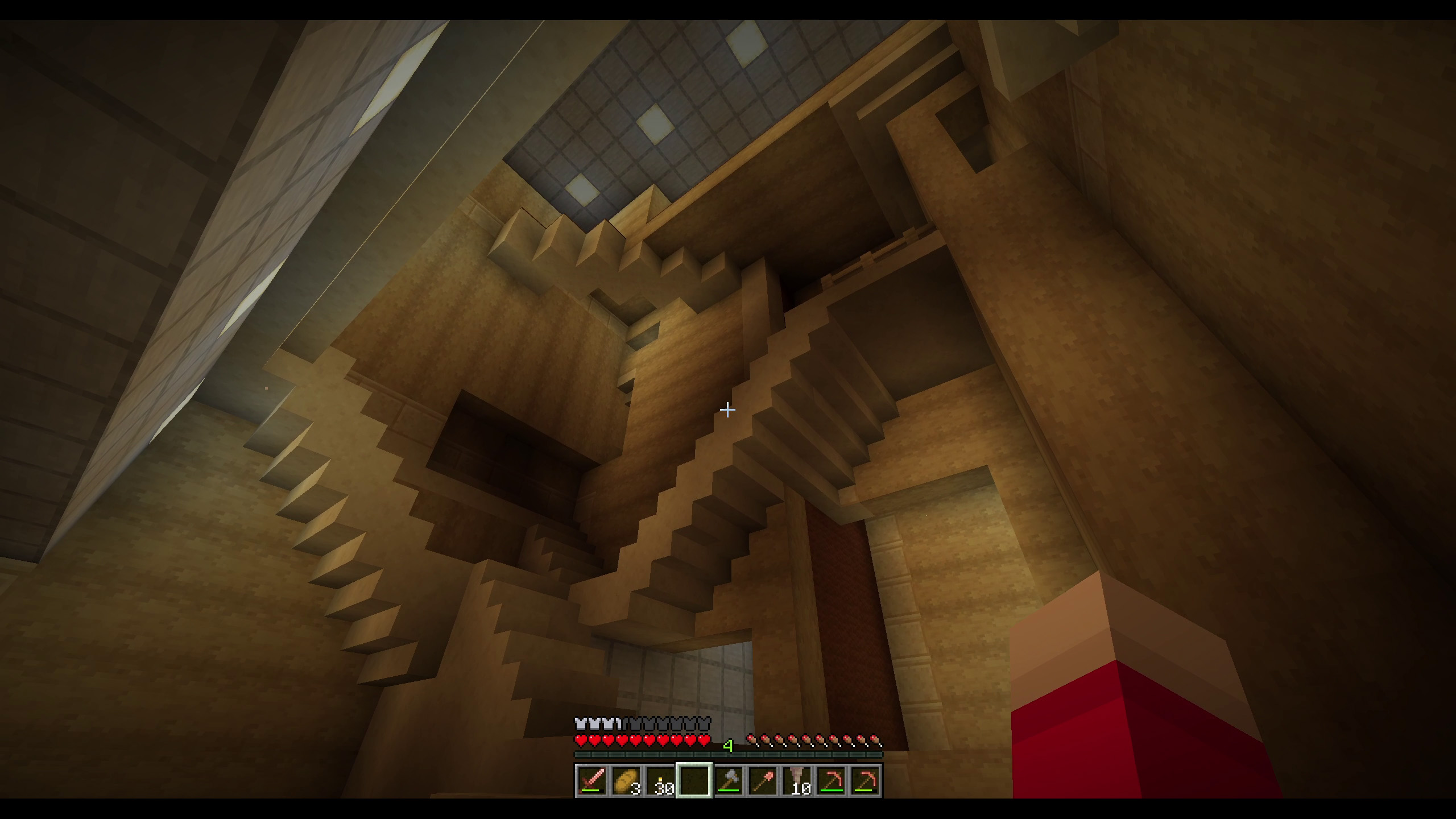
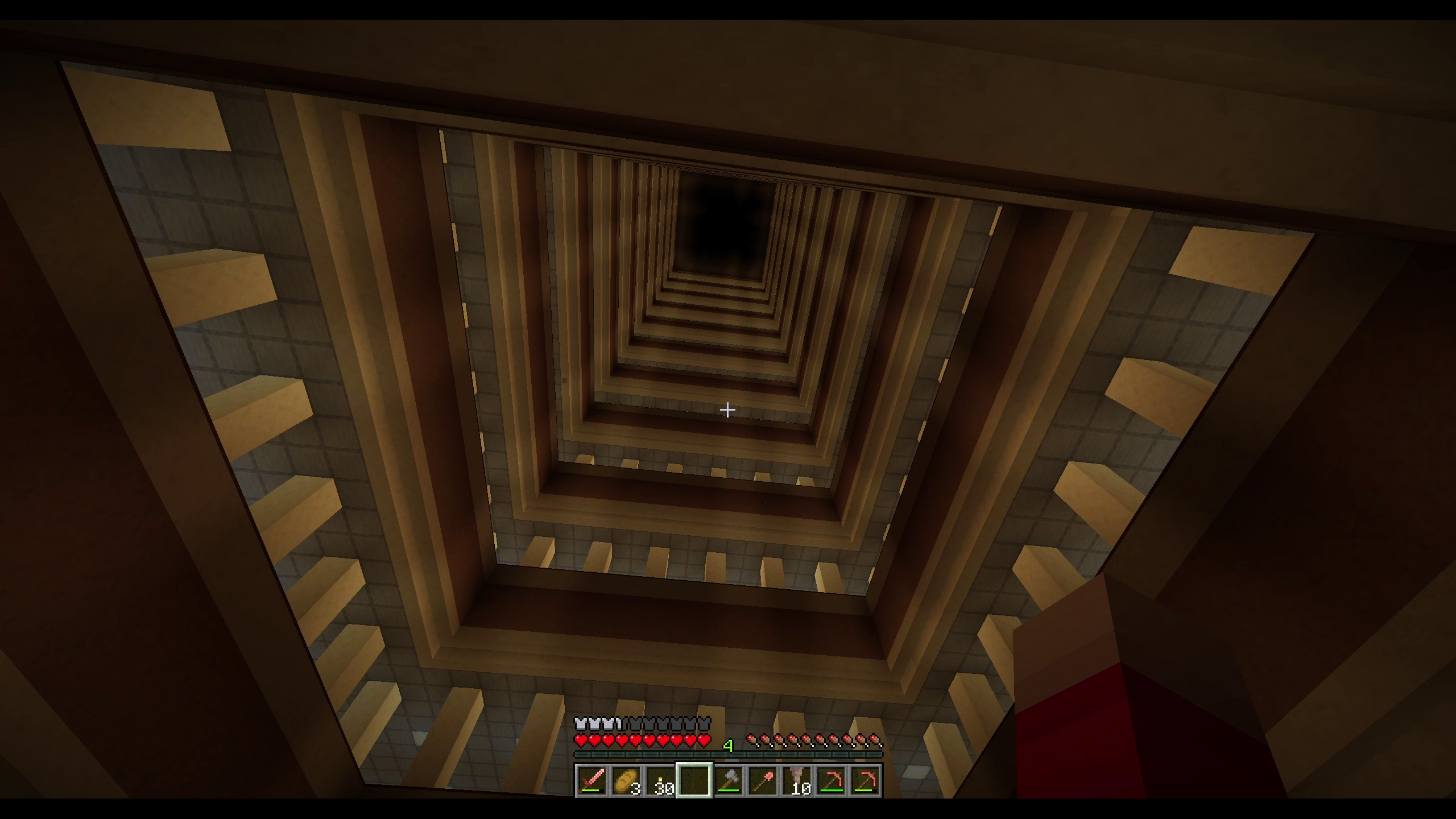
- Dense yellow rooms, wells and impossible architecture
- No mods required
- No resource pack required
Recommended test settings
- Minecraft Java 1.21.11
- Server RAM: 6–8 GB recommended
- view-distance: 12 recommended
- simulation-distance: 4–6 recommended
For stronger machines or recording, you can try:
- view-distance: 12
- simulation-distance: 6
Installation
Singleplayer
- Download the
.zip. - Create or select a Minecraft Java world.
- Click Edit.
- Click Open World Folder.
- Put the
.zipinto thedatapacksfolder. - Start the world.
- Run
/reloadif needed.
Server
- Stop the server.
- Open your world folder.
- Put the
.zipinto:
world/datapacks/
- Start the server.
- Run
/datapack listto check that Wrong Yellow is enabled.
Known limitations
- This is still a release candidate, not a fully tested stable release.
- World generation can still be heavy on modest machines.
- Feedback is very welcome before the stable v1.0.0 release.
AI assistance disclosure
Some datapack code and documentation were developed with AI assistance, then manually tested, edited and integrated.
Thank you
I spent the last weeks building this almost obsessively: procedural rooms, wells, roof escapes, wall anomalies, dizzying transitions, and a first yellow layer designed to feel native to Minecraft rather than imported from somewhere else.
The datapack is meant to be playable by everyone. Supporters help me keep developing it: future layers, better performance, experimental mechanics, devlogs, early builds, and all the strange things that may come after the Yellow layer.
I’m an independent dad and creator going through a difficult financial period, so this support has a very concrete impact. It helps me buy time to keep making weird, generous things like this.
Download free:
Modrinth: https://modrinth.com/datapack/wrongyellow
CurseForge: https://www.curseforge.com/minecraft/data-packs/wrong-yellow
itch.io: https://wrongyellow.itch.io/wrongyellow
Support future layers:
Patreon: https://www.patreon.com/cw/WrongYellow
Ko-fi: https://ko-fi.com/wrongyellow
Follow the project:
YouTube: @WrongYellow
X: https://x.com/wrongyellowx
Download
Click download now to get access to the following files:
Development log
- The Missing Walls Update — Wrong Yellow RC368 days ago

Comments
Log in with itch.io to leave a comment.
Hey! I cant seem to find the overworld structure that is shown in the video. I'm running the datapack on 1.21.11 (it says its incompatible for some reason). I see the notification when the pack is enabled. I see the strange ash, but no matter how many caves I follow, or how far I dig, I cant seem to find any structure. This was on 2 different saves. I want to explore the dimension, but the vanilla way to get there isnt working for me, or the structures arent spawning for some reason. (Generate Structures is on)
I wish the structure spawned more frequently, or closer to the surface.
EDIT: Updated to RC3, the compatibility error is gone. Still unable to find the structure.
Edit 2: Opened the world in a creative world. The structures exist as expected. Would be nice if they always spawn with the portal to the custom dimension. Sometimes it takes a couple thousand blocks to reach one, and by that point if it doesnt have a portal, it feels like a waste for it to be there.
IDK, I wanted to go into this to experience the backrooms dimension, and it feels too difficult to reach it in survival currently. I'm actively hunting for it and not getting results.
Edit 3: TPed myself to a structure, found a portal, entered with nothing. Pleased with the dimension so far, but can see how it will get stale after a while. Seeing the same small rooms being repeated. Did manage to find a giant crevice, did manage to get startled by a clone.
The game does stall when generating the dimension for the first time. I can still move around, but I'm stuck "zoomed in" until the dimension finishes generating. Would be nice if there was some kind of loading screen or other animation to acknowledge the game is still working while the dimension loads.
Keep up the good work! Love the multistory backrooms, cant wait to see what else minecraft wont generate correctly. maybe a wonky cat? or villagers?
do you think this data pack will be available for other versions? (like 1.21.1 version) Or is there a way to change said version in the datapack?
Yes I will do updates to other versions once I reach V1 :)
It looks good, the presentation video is very eye-catching
Thank you so much, I hope the rest will have the same effect.